The Meadow
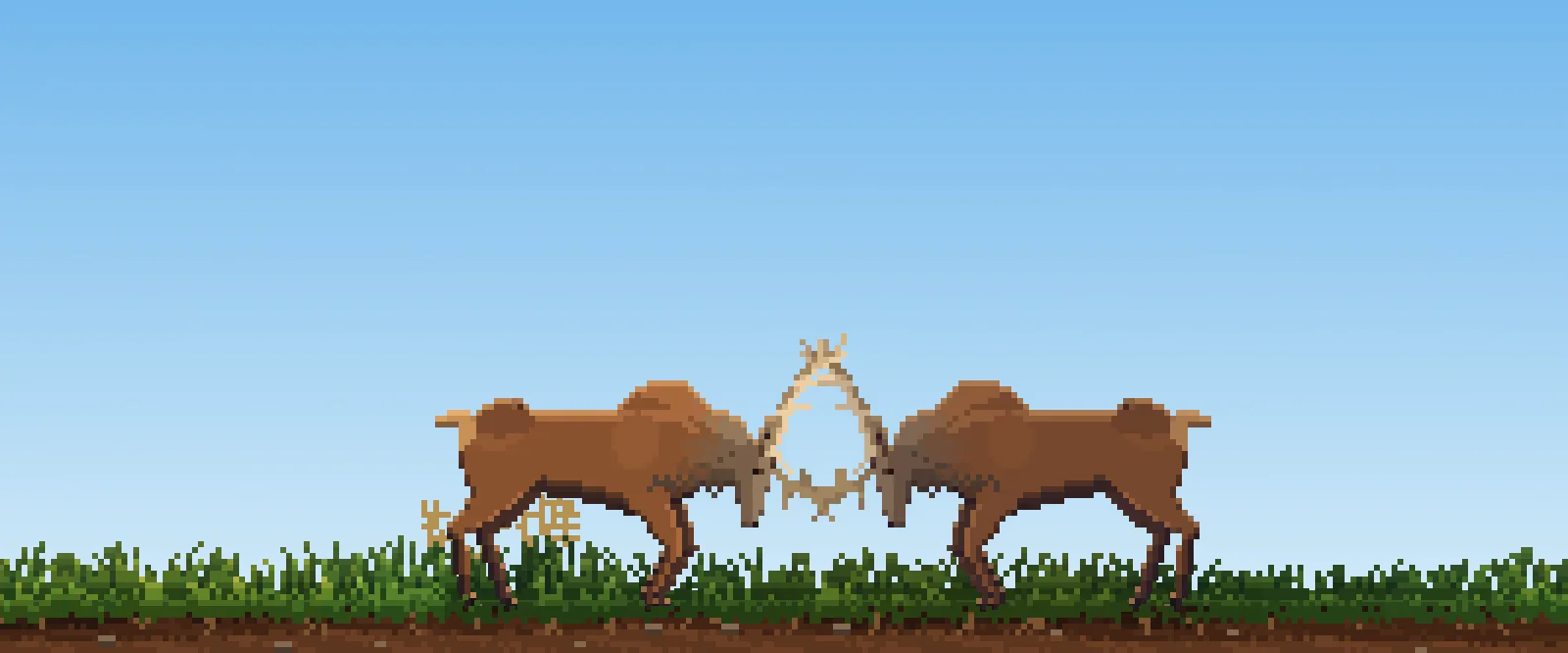
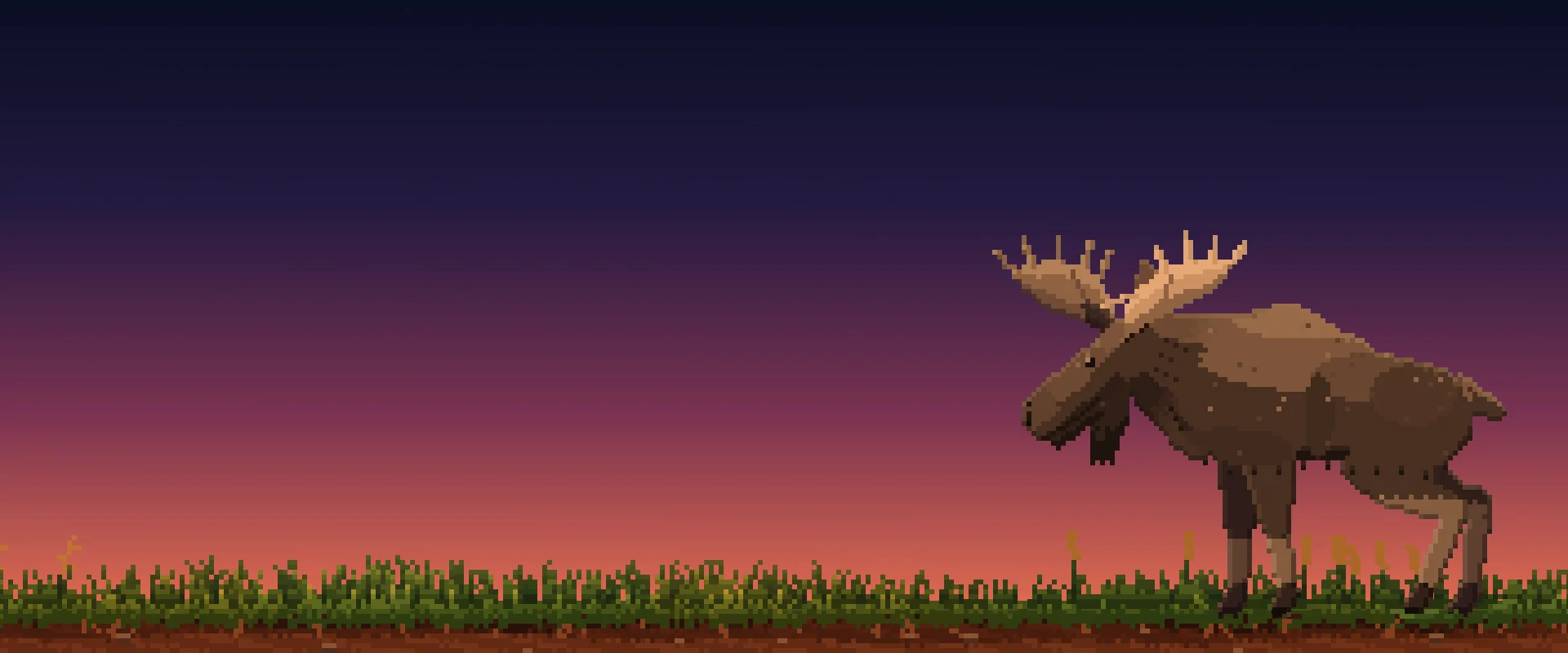
Stags, does, bucks, and moose wander through tall grass. They graze, look around, rest, and sleep according to their own circadian rhythm. Shadows lengthen as the sun sets.
/wɛər/said like "where"
Take your desktop erewh-ever you want.
Erewh is a native macOS companion that brings living, autonomous worlds right to the bottom of your screen. Wild animals, deep ocean depths, and astronauts going about their day while you work.
brew install acabelloj/tap/desktop-petNot notarized by Apple, so the .dmg needs one extra step the first time. The Homebrew command skips it.
Living worlds
Stags, does, bucks, and moose wander through tall grass. They graze, look around, rest, and sleep according to their own circadian rhythm. Shadows lengthen as the sun sets.
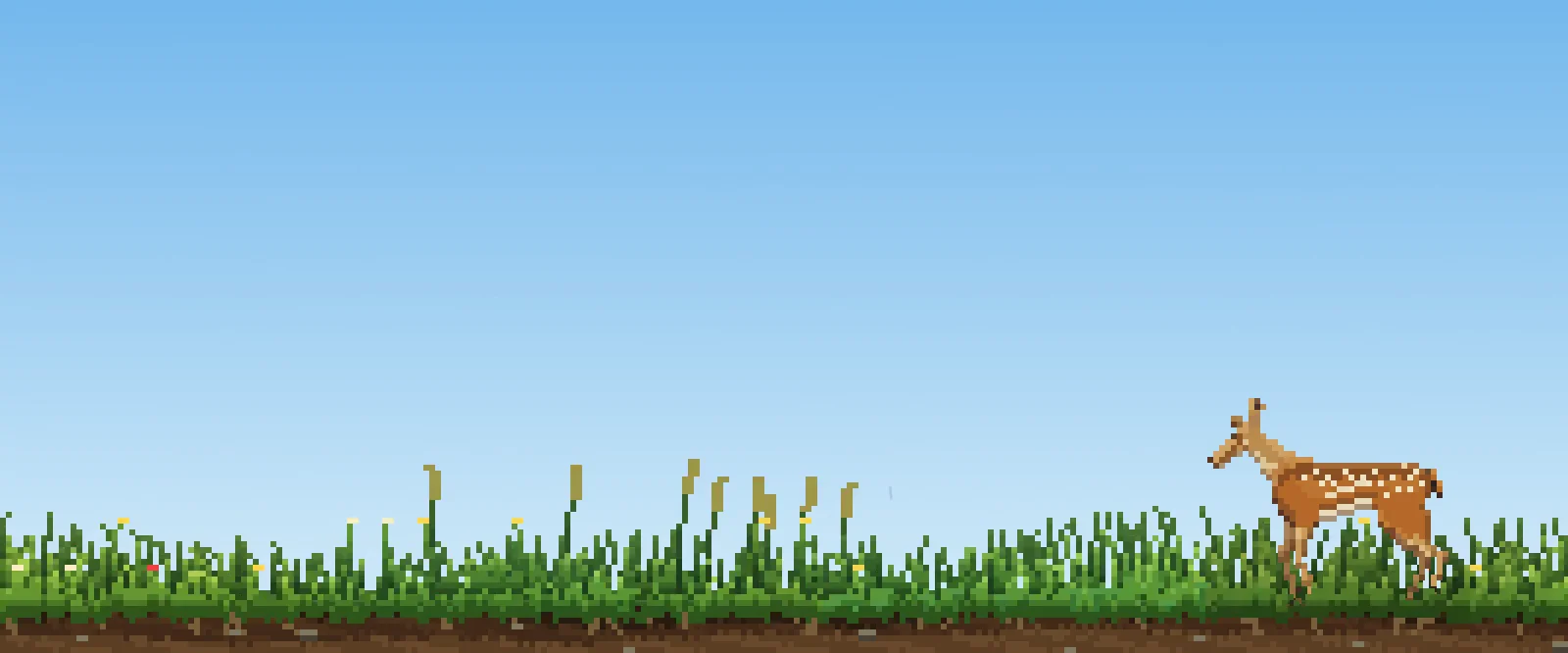
Spring flowers and puddles, summer straw, autumn mist, and winter snow. The world matches the calendar date of erewh-ever you are in the world.
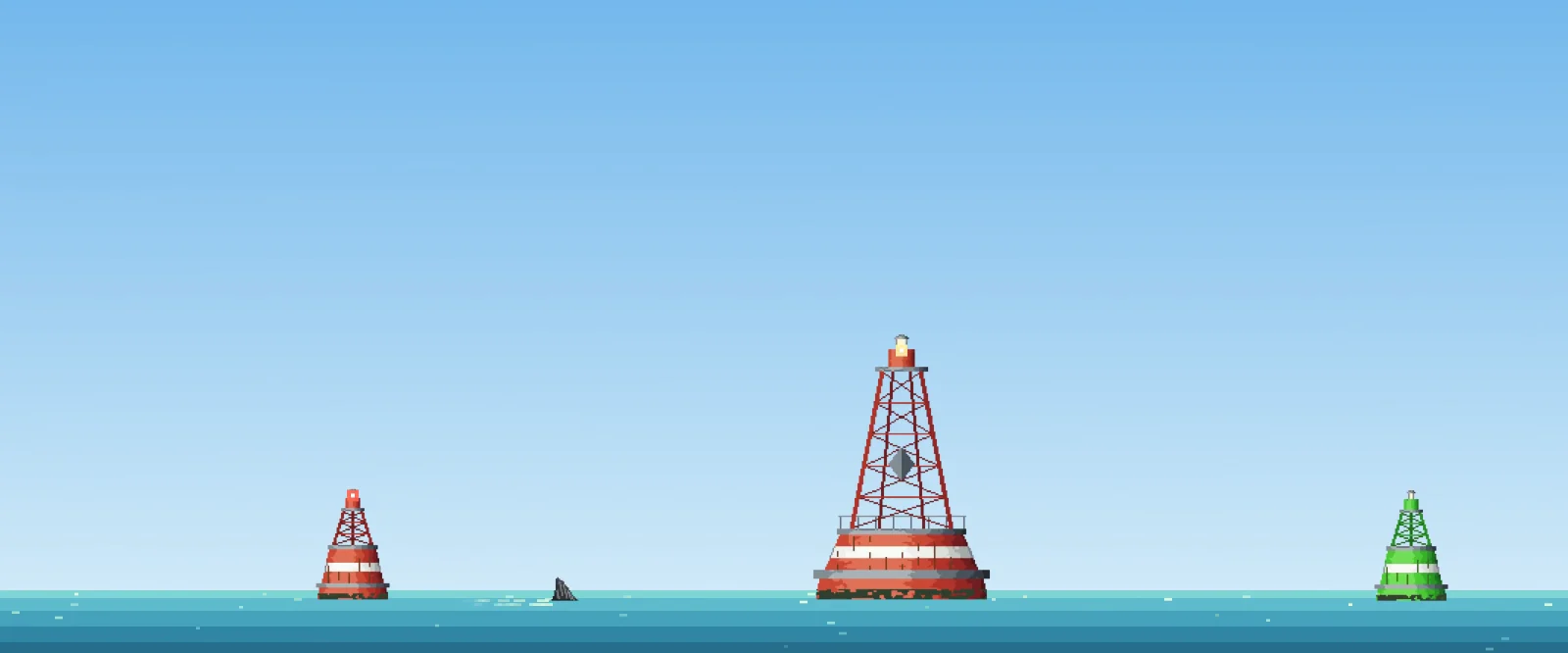
Ocean buoys rock with ocean swell while fins slice quietly through the water. Ships and gulls cross the horizon. It turns your screen bottom into an ocean trench.
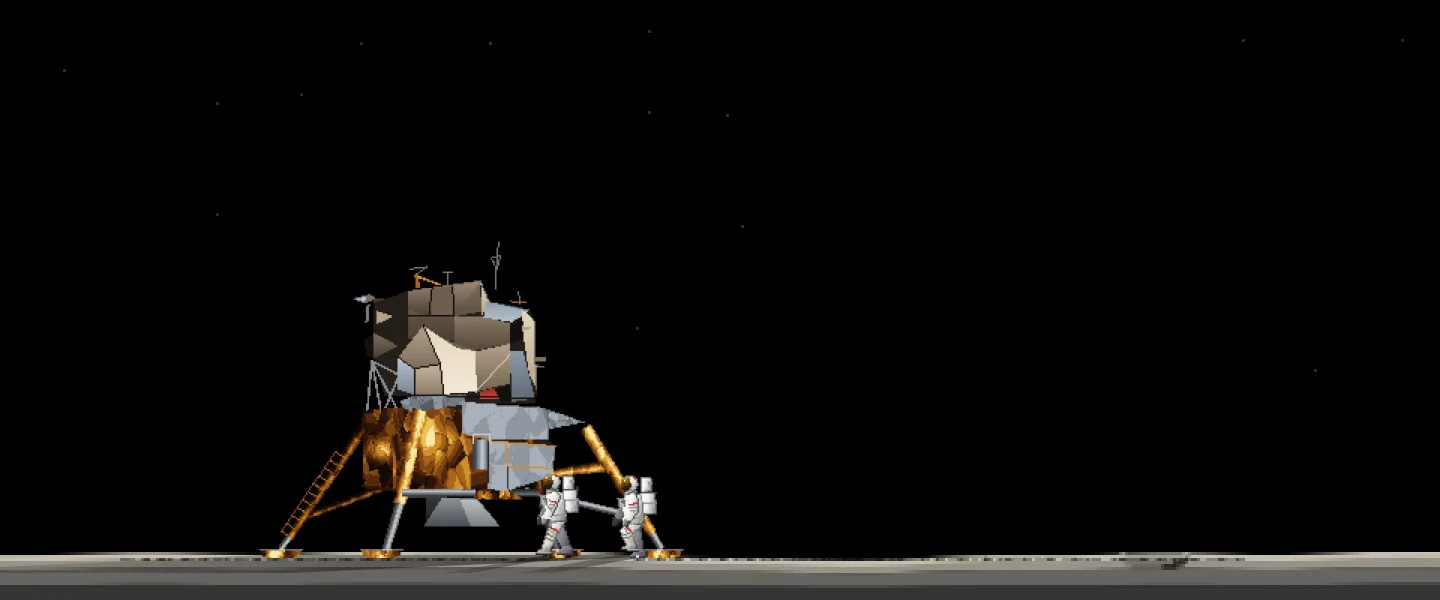
Lunar landers, rovers, and astronauts exploring desolate craters while the real Earth passes through its true astronomical phases overhead.
It isn't another window fighting for your attention. It runs on the floor of your display, completely out of the way, taking you erewh you'd rather be.
Why Erewh?
Say it out loud: erewh sounds exactly like "where".
In 1872, Samuel Butler wrote "nowhere" backwards to invent Erewhon. We dropped the "No". Because with Erewh, you are never stuck in one place: your screen can go erewh-ever you want.
Out of your way
The world rests in a transparent layer. Clicks pass seamlessly to whatever window or app you are actually using.
It never interrupts your keystrokes, never steals window focus, and cleanly floats above or tucks below your Dock.
They do not beg for food or attention. The inhabitants have their own drives (rest, hunger, curiosity) and live their own lives.
Day, dusk, night, and seasons align with your real local time and astronomy.
Switch worlds in a second straight from the menu bar: from a cozy quiet forest to the open sea or the surface of the Moon.
Verified via cryptographic Ed25519 signatures, automatically updating when new worlds land.
Running right here, in your browser
From the maker
I wanted a breath of fresh air on my screen. A small window into another place while spending long hours coding. It ended up bringing so much peace during hard days that I decided to polish it into a real companion you can take erewh-ever you go.
If having a small living world brings you a moment of calm, you can support its development on Ko-fi. It stays 100% free either way.
Support on Ko-fimacOS 13+ on Apple Silicon. Homebrew or a one-liner.
brew install acabelloj/tap/desktop-petbash <(curl -fsSL https://raw.githubusercontent.com/acabelloj/desktop-pet-releases/main/install.sh)Not notarized by Apple, so the .dmg needs one extra step the first time. The Homebrew command skips it.
macOS checks un-notarized apps on first open. You only have to grant permission once. Homebrew and the curl command skip this step completely.